子比主题 – 个人主页公开/私密功能 诺守博客4天前更新关注私信05010 文章最后更新时间:2026-08-20 10:37:57 这是一款子比主题的个人主页公开/私密功能,用户很方便自己设置自己的个人主页的私密,很方便的一款功能,喜欢的自行部署吧! 代码部署 此处内容已隐藏,请评论后刷新页面查看. 资源失效或内容有问题?提交反馈 © 版权声明 免责声明:本站提供用户下载的所有资源均来自网络,版权归作者本人所有,仅限学习和研究目的的,请支持正版! 我们非常重视版权问题,如有侵权请邮件与我们联系处理。敬请谅解!邮件:nuoso_kefu@qq.com THE END教程笔记# 子比主题# 代码部署# 个人主页# 私密设置 点赞10赞赏 分享QQ空间微博QQ好友复制链接收藏




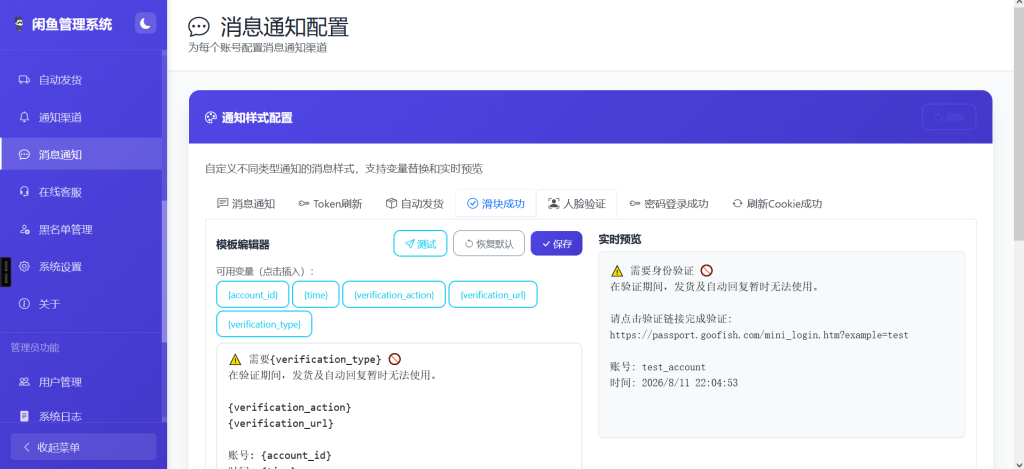
![图片[1] - 子比主题 – 个人主页公开/私密功能 - 诺守博客](https://www.nuoso.cn/wp-content/uploads/2026/08/4a47a0db6e20260820103702-1024x284.png)
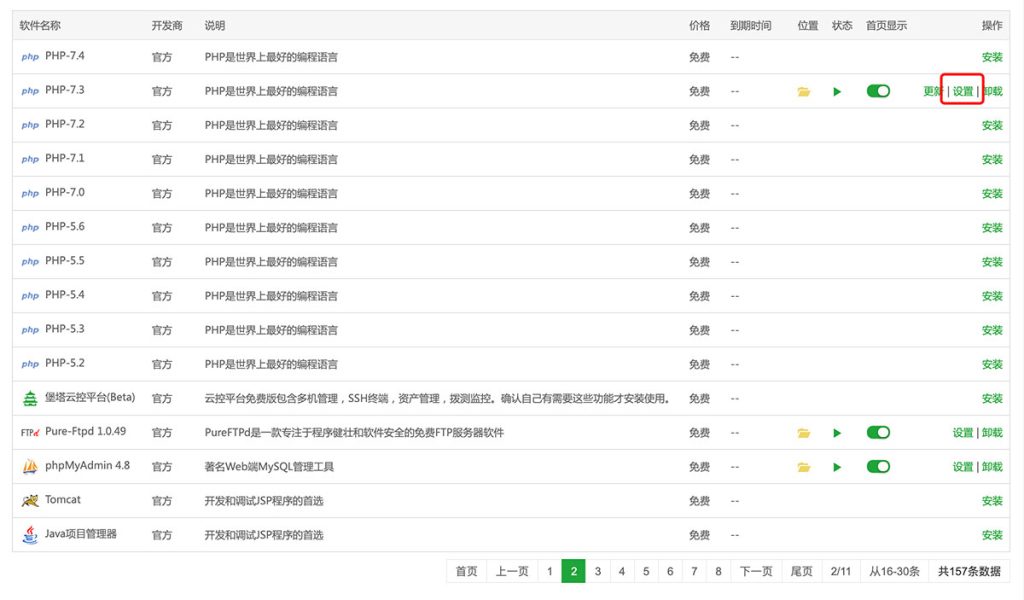
![图片[2] - 子比主题 – 个人主页公开/私密功能 - 诺守博客](https://www.nuoso.cn/wp-content/uploads/2026/08/fb5c81ed3a20260820103707-1024x486.png)








![诺守博客 - 专业的网络资源分享平台![官网]](https://www.nuoso.cn/wp-content/uploads/2026/08/b52fc8b66120260820013608.png)
![诺守博客 - 专业的网络资源分享平台![官网]](/img/logo/logo_txt.svg)
暂无评论内容